
LOCRAI team11 min read
PO matching: how to reconcile purchase orders, receipts and invoices
A practical guide to 2-way and 3-way PO matching: why purchase order, goods receipt and invoice reconciliation fails while data stays locked in PDFs.
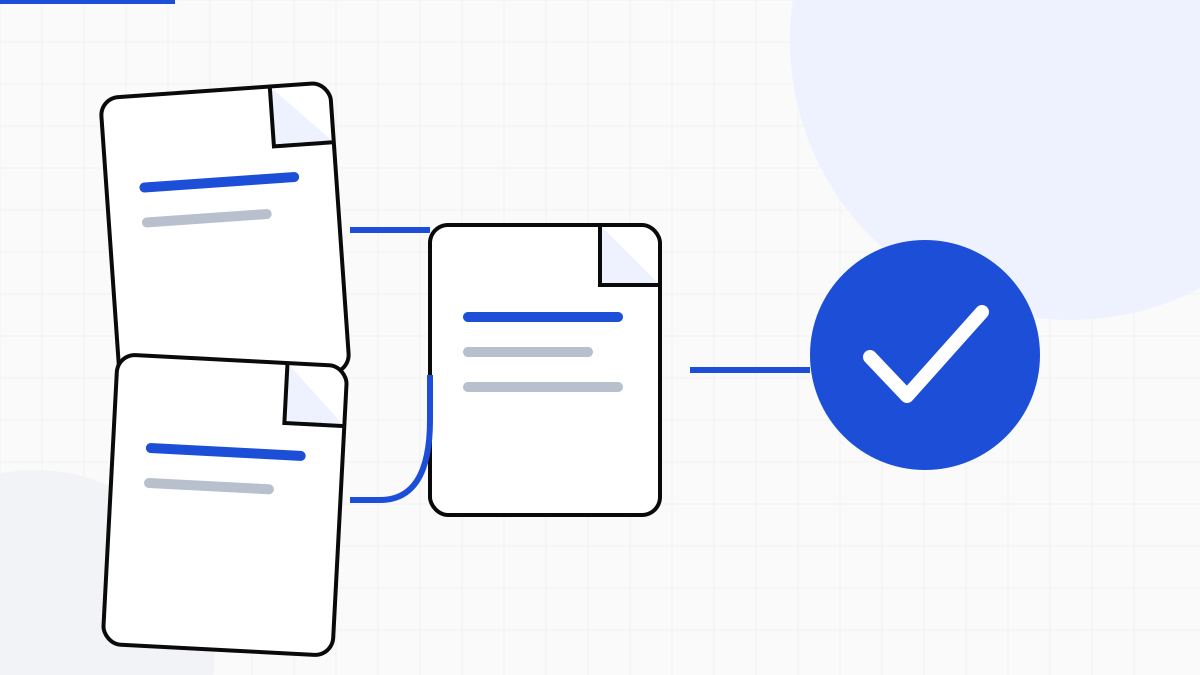
In theory it is simple: the purchase order says what you should receive, the delivery note what arrived, the invoice what you are asked to pay. In practice the three documents live in different inboxes, with different layouts, and someone still compares them line by line — often in Excel, often at month-end.
This is not a «missing ERP feature» problem. It is unstructured data. While PO, slip and invoice stay closed PDFs, matching stays fragile human work.
What PO matching really means
PO matching is not a checklist tick. It is an operational sequence:
- Purchase order: quantities, prices, codes, supplier, expected delivery
- Delivery note: what was shipped and received, with PO references
- Invoice: amounts, tax, due dates — and the right to pay only what reconciles
When a field disagrees (quantity, code, price, references), an exception appears: dispute, credit note, late payment, time chasing the supplier.
2-way vs 3-way PO matching
In 2-way matching, the ERP reconciles the purchase order with the supplier invoice. In 3-way matching, it also checks the goods receipt or delivery note: what was ordered, what arrived and what was invoiced. LOCRAI does not replace those ERP controls; it turns the source documents into comparable fields so the matching process can run without retyping every line.
Matching does not fail in the ERP first: it fails earlier, when numbers are not data yet.
Where the process breaks (before the ERP)
- The delivery note is scanned or uses a new layout: lines are not extracted reliably
- The PO reference on the slip is incomplete or buried in a free-text field
- The invoice arrives days later, with no clear link to the receipt
- Purchasing, warehouse and finance work on different files, not one line of truth
What changes when documents become data
If LOCRAI reads delivery notes and invoices (and you can supply the PO as reference), you get comparable fields: supplier, quantities, codes, totals, references. The ERP can then match — or flag exceptions only — instead of making someone type everything.
The point is not «automating comparison in the abstract». It is removing the data-entry bottleneck so matching becomes a check, not a transcription.
How to start without boiling the ocean
- Pick one high-volume supplier and one document type (often the delivery note)
- Measure exceptions and minutes per document today
- Connect export or webhooks to the flow where you already match (or want to)
- Expand to invoices and more suppliers when the numbers hold
For the complete workflow, see how LOCRAI supports PO matching and three-way reconciliation, AP automation and delivery-note automation. To see it on your PDFs, request a demo.
Want to see it on your documents?
We'll show you LOCRAI at work on one of your real workflows, in a short, concrete demo.
Request a demo