
Use casesLOCRAI team10 min read
Delivery note automation in logistics: from slip to warehouse system without retyping
Dozens of suppliers, shifting layouts, scanned packing slips: why warehouse data entry costs more than it looks — and how to extract quantities, codes and order refs ready for your warehouse management system.
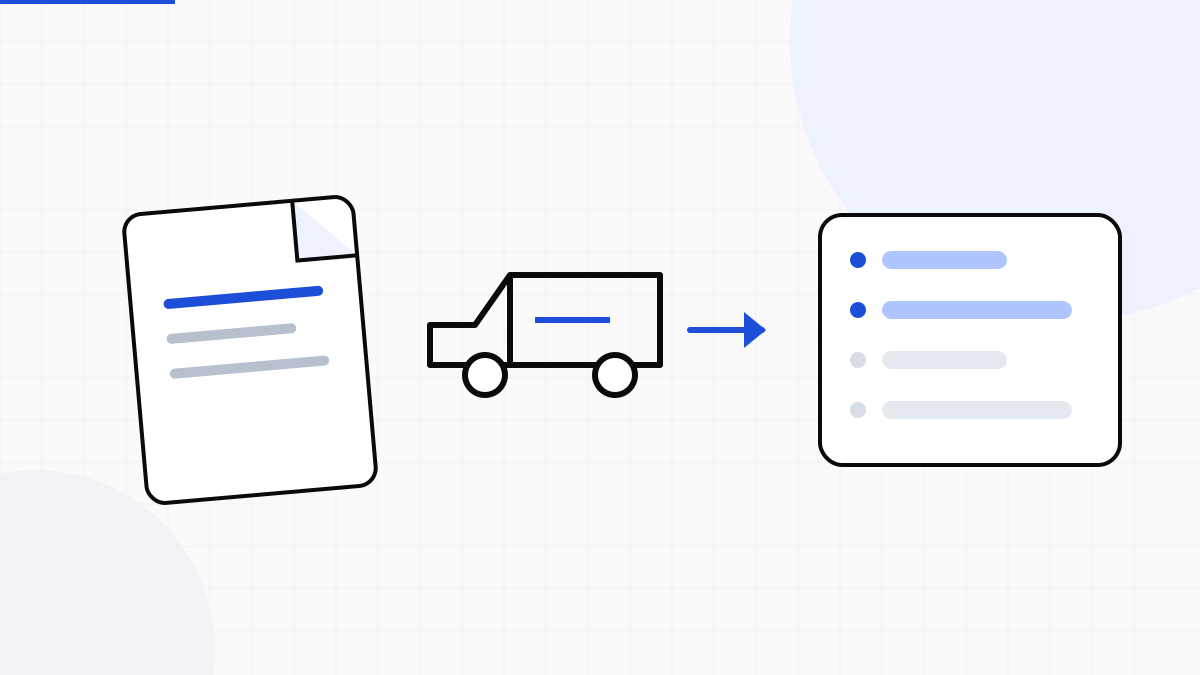
On the warehouse floor, the document that shows up most often is not the invoice: it is the delivery note, packing slip or goods receipt. Every delivery carries quantities, item codes, order references, sometimes lots and packages. If those fields are typed into the warehouse management system (WMS) by hand, the operational day stretches — and errors surface after stock is already put away.
For logistics operators, distributors and multi-supplier businesses, automating delivery notes is often the fastest ROI: high volume, variable layouts, daily pressure. It is not an «innovation programme»: it is removing repeated minutes from every slip.
What retyping a delivery note really costs
Run a rough model. If an operator spends 4–6 minutes per slip (open PDF or scan, find the PO, enter lines, check quantities), at 80 slips a day that is 5–8 hours of pure data entry — before exceptions, supplier calls and downstream fixes.
- 80 slips/day × 5 minutes ≈ 7 hours/day of data entry
- Quantity or code errors → stock mismatches and disputes
- Seasonal peaks multiply the queue, not headcount
- New suppliers mean new layouts: template-based OCR breaks
The cost is not only who types: it is the lag between goods arrival and system availability.
Why template OCR fails on packing slips
Many warehouses tried classic OCR or fixed rules: it works while suppliers are few and PDFs are clean. In logistics, suppliers change, slips come from different printers, phone scans, broken tables or fields out of place. One template per supplier does not scale — it becomes permanent maintenance.
You need an approach that generalises on content — quantity, unit, code, order reference — and flags exceptions, instead of assuming every PDF matches the last one.
What must come out of a delivery note (for the warehouse management system)
The goal is not «having the text of the slip». It is having data ready for goods receipt:
- Header: shipper/supplier, document number, date
- PO or delivery reference when present
- Lines: description, item code, quantity, unit of measure
- Packages, weights or lots if your process uses them
- Confidence signal: what is safe vs what needs a 30-second review
With those structured fields you can match to the purchase order, update stock and leave operators only anomalous slips — not every document.
A realistic flow: arrival → extraction → warehouse system
A typical path with LOCRAI does not require rewriting the warehouse management system:
- Ingest: dedicated email, dock upload, FTP/SFTP or API from your system
- AI extraction + checks on quantities and field consistency
- Review only below the confidence threshold
- Delivery via webhook, API or export into the warehouse management system (WMS) or ERP
Start with one channel (e.g. the 10 suppliers with the most slips per week). Measure minutes per document before and after. Then open the tap.
Delivery notes and accounts payable: linked problems
Often the slip is the first link: the invoice follows. If delivery-note data is already structured, PO–receipt–invoice matching gets easier and less contentious. Automating invoices while leaving slips manual leaves a bottleneck at receiving.
If you run logistics or distribution, the delivery notes and logistics pages summarise the use case. To see LOCRAI on your real slips, request a demo — a sample of typical PDFs or scans is enough.
Want to see it on your documents?
We'll show you LOCRAI at work on one of your real workflows, in a short, concrete demo.
Request a demo