
Use casesLOCRAI team11 min read
Paper service reports: from scan to structured data without retyping
Hours, materials, work performed and signatures often remain trapped in handwritten forms: service reports, work reports and job sheets. How to turn the scans into verifiable data for job costing, supplier control and ERP.
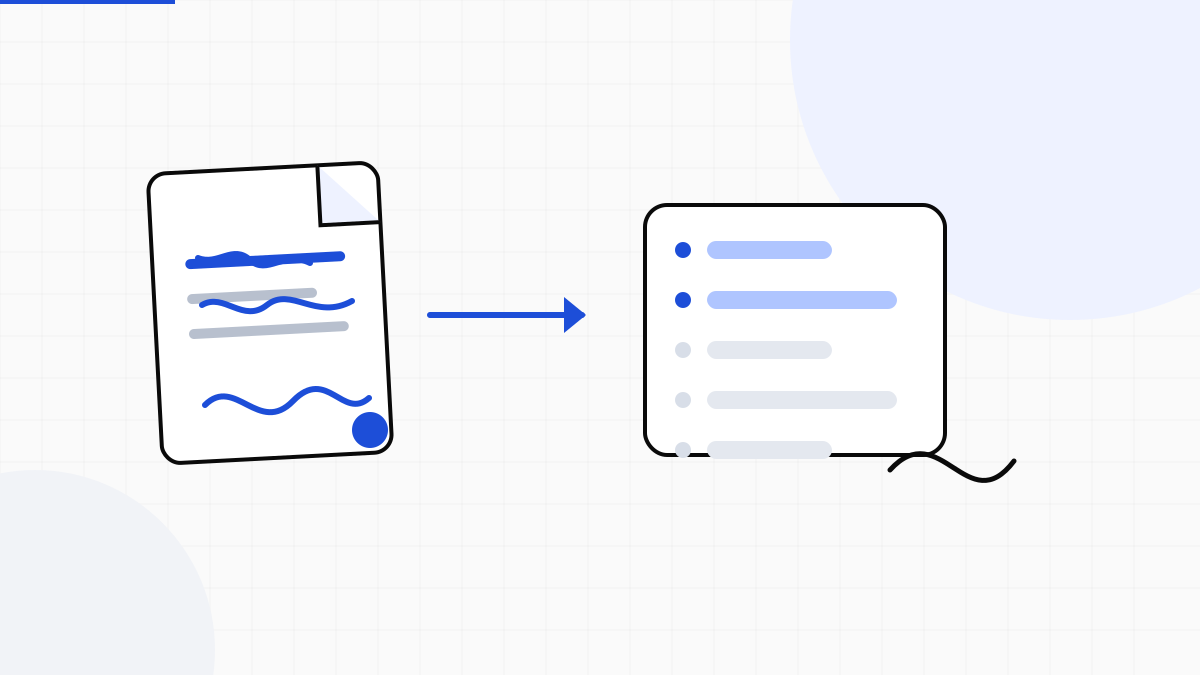
The technician completes the job, fills in a pre-printed form by hand, collects a signature and hands over the sheet. Field work is finished; office work has just begun. Someone must read a scan or photo, decipher the handwriting and retype hours, materials, site, job and activities into the ERP.
This happens in maintenance, contract services, service cooperatives and every organisation receiving these forms from multiple suppliers. Whether the field document is called a service report, work report or job sheet, the PDF preserves evidence of the work, but it does not make its data usable. Filing is not automation.
Why service reports and job sheets remain on paper
A field-service app is often the best answer when a company controls the whole process. It is not always possible to impose one: suppliers use different tools, some sites work offline, customers require their own template and many procedures are built around a signed form. Replacing everything can take months; the sheets to be posted arrive today.
- Different pre-printed forms for each customer, contract or job type
- Handwriting, abbreviations, corrections and empty fields
- Skewed scans, smartphone photos, stamps and overlapping signatures
- Service reports and job sheets delivered in batches at the end of the week or month
- Data to associate with an order, site, asset, job or cost centre
The real cost starts after the job
Data entry is not just for filing. Those fields drive labour and material costing, service verification, invoice preparation and supplier-invoice control. If the work report remains an image page, every downstream step starts late.
The bottleneck is not obtaining the service report or job sheet: it is turning it into a record operations and finance can use.
What data can be extracted
When the template is recognisable, LOCRAI can turn areas of the form into structured fields. Configuration depends on the real service report or job sheet, but common fields include:
- customer, site, asset and service-request number
- date, start and end time, duration and number of operators
- technician, crew, supplier or contractor
- work performed, outcome and service notes
- materials, spare parts, quantities and item codes
- job, order, contract and cost centre
- presence of the technician's or customer's signature
The signature remains in the original document and can be detected as present. This does not verify the signer's identity, legal validity or authenticity: LOCRAI is not an electronic-signature service.
Handwriting does not mean automatic certainty
Vision models can interpret many handwritten fields, especially when the form has stable boxes and the scan is legible. Ambiguous handwriting, motion blur or a signature over text can still produce an uncertain result. Promising 100% would be wrong.
Every field therefore needs a confidence score. Clear values continue; fields below threshold enter review with the critical area highlighted. The goal is not to remove every human check, but to avoid retyping every page from scratch. Scan quality remains decisive, as explained in our guide to OCR, scan quality and review.
From the work report to the ERP
After extraction and review, data can leave as CSV, JSON or XML, or through APIs and webhooks. The destination remains the system the company already uses: ERP, job-costing software, facility management, accounting or a supplier platform.
- post labour and materials to the correct job
- prepare billing for completed work
- compare the service report or job sheet with the order, contract and price list
- check the invoice received from the supplier
- build a searchable history by site, asset and contractor
LOCRAI does not schedule technicians or replace field-service software. It bridges the gap where data is still created or received on paper: it reads the document and prepares it for the system that must account for it.
Two use cases, two viewpoints
For a service contractor, the issue is costing its crews' work quickly: work report, hours, materials and signature must become data ready for billing. For the customer, the problem is the reverse: it receives service reports and job sheets from different contractors and must verify that invoiced work matches authorised activity.
The second case is particularly relevant to multi-site companies, facility managers, manufacturers using external maintenance providers, general contractors and cooperatives coordinating distributed services. They cannot control every supplier's tool, so they need one intake for heterogeneous documents.
Where to start
A credible project starts with a sample, not a perfect demo: clear and difficult service reports, job sheets with different handwriting, well and poorly completed forms. Define essential fields, review thresholds and the ERP schema. Then measure how many documents flow through automatically and how much time remains on exceptions.
If you process scanned service reports, work reports, job sheets or operational forms, request a demo and attach a few real examples. We will assess what can be extracted, at what confidence level and how to deliver it to your ERP — without turning a specific case into a generic promise.
Want to see it on your documents?
We'll show you LOCRAI at work on one of your real workflows, in a short, concrete demo.
Request a demo