Use casesLOCRAI team5 min read
Receipts: from a photo to data for your expense report
Photographed sales receipts, PDF payment receipts and fields to retype: how LOCRAI extracts information, checks amounts and prepares data for your business systems.
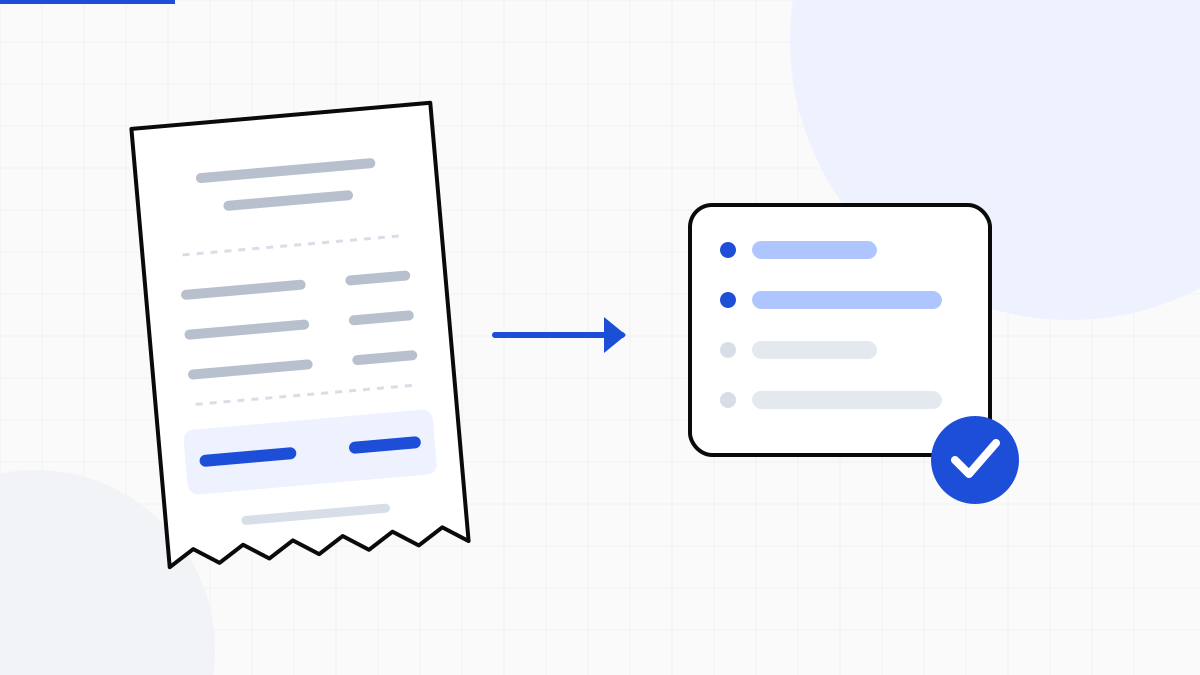
Lunch on a business trip, parking or a purchase of materials: each expense produces a document that must reach the people who manage it. A sales receipt is photographed, a payment receipt arrives by email and a PDF ends up in a folder. Someone then opens the files and copies the date, merchant and amount into an expense spreadsheet or business system.
LOCRAI captures receipts, extracts data with AI and applies checks before export or integration with your systems. The useful output is a set of searchable, reusable fields connected to the source document.
Which fields to extract from a receipt
Before automating, define the information your process actually needs. A café receipt and a parking receipt have different layouts and contents. The fields you request should reflect both the document and the destination system’s requirements.
- Merchant or issuer, with the identifying details available.
- Transaction date and, where useful and printed, time.
- Document number or reference, if shown.
- Total amount and currency.
- Net amount, tax and payment method, when present and legible.
- Individual item descriptions and amounts, where required by the workflow and present on the document.
A missing field should remain missing. If a detail is not printed or the photo cannot be read with sufficient confidence, the workflow should call for review rather than fill the gap with a guess.
Capture the receipt before it gets lost
The LOCRAI app for iPhone and Android lets you photograph documents or import PDFs and images from your gallery. You can track processing status on your phone with the same account used for the dashboard. It is a useful entry point for people collecting supporting documents throughout the day: explore the mobile app.
A complete, focused photo reduces later work. Include every edge, avoid glare and folds across the total, and check that the date and header are legible. For a long receipt, make sure individual lines remain distinguishable. A blurred or cropped image may need to be captured again.
Reading an amount is different from checking it
AI extracts information; deterministic checks test explicit conditions. Where the document provides all necessary figures, checks can compare line amounts, subtotals and the total. A workflow can also require the date, amount and other essential fields before processing continues.
When extraction confidence is insufficient or a check flags an inconsistency, review allows someone to compare the fields with the original document. Set the threshold around the task: an uncertain digit should not silently become an incorrect reimbursement. Read about using confidence scores.
Expense reports also need business context
A receipt records a purchase, but generally does not identify the project or cost centre it belongs to. Employee, trip, customer and reason for the expense must be associated in the collection workflow or business system. They are not details for AI to invent.
Duplicate checks and approvals also need explicit rules in the expense management system. Extracted merchant, date, reference and amount can help that system identify potential duplicates. Any category limit should follow the company’s defined conditions and exception process.
An example: from a parking receipt to review
An employee photographs a parking receipt for €12.50. LOCRAI captures the image and extracts available details such as the issuer, date and total. If the total is hard to read, the document goes to review according to the configured threshold. The reviewer compares the field with the photo and corrects any error.
Once ready, the data can be exported to the system that prepares the expense report. That system associates the employee and trip and applies approval rules. Reading the supporting document and making the business decision about an expense remain separate, controllable steps.
Send the data to your business system
LOCRAI supports CSV, Excel, JSON and XML exports and integration through APIs and webhooks. Agree the data format with the destination system: field names, dates, amount representation and document references. Read how to integrate extraction into your ERP.
Start with a sample of the documents you actually receive: clear and faded receipts, PDFs and both easy and difficult photos. Define mandatory fields, review conditions and the delivery format. Request a demo with your documents to assess the workflow before extending it across the company.
Want to see it on your documents?
We'll show you LOCRAI at work on one of your real workflows, in a short, concrete demo.
Request a demo