IntegrationsLOCRAI team7 min read
Your extracted data lands where you need it, on its own: LOCRAI routing
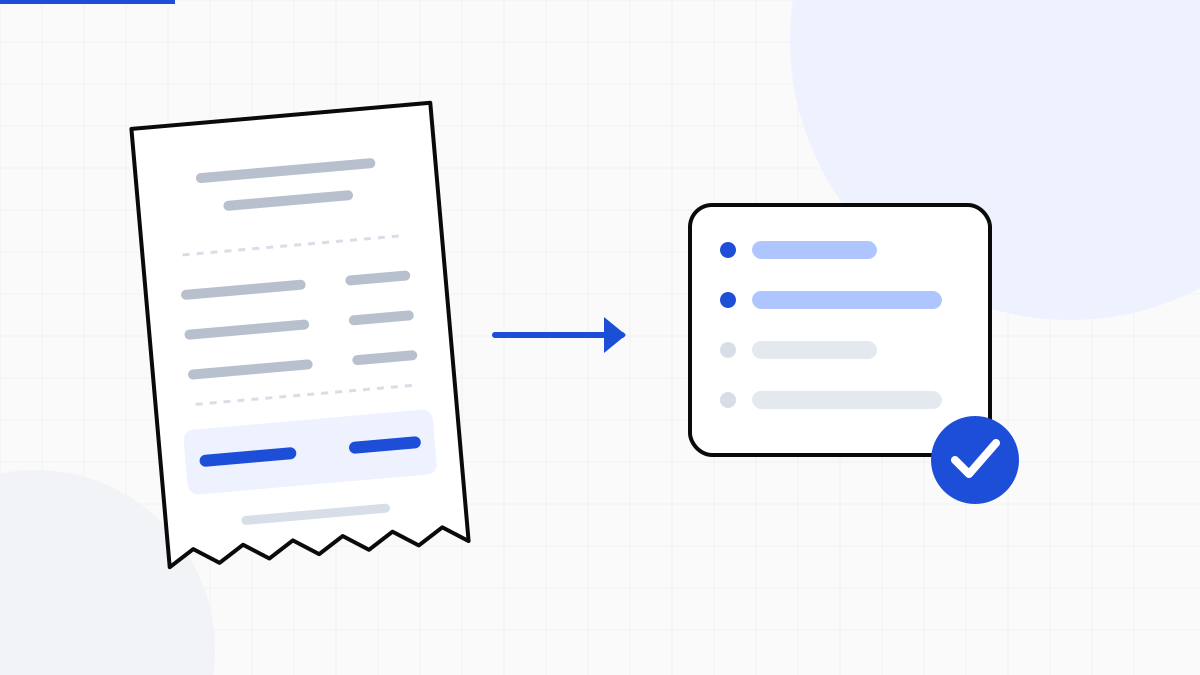
Extraction is half the job: the data has to be delivered where you actually work. With LOCRAI routing you define rules that deliver every document to the right place — webhook, S3, FTP/SFTP or email — as soon as it's ready and verified.
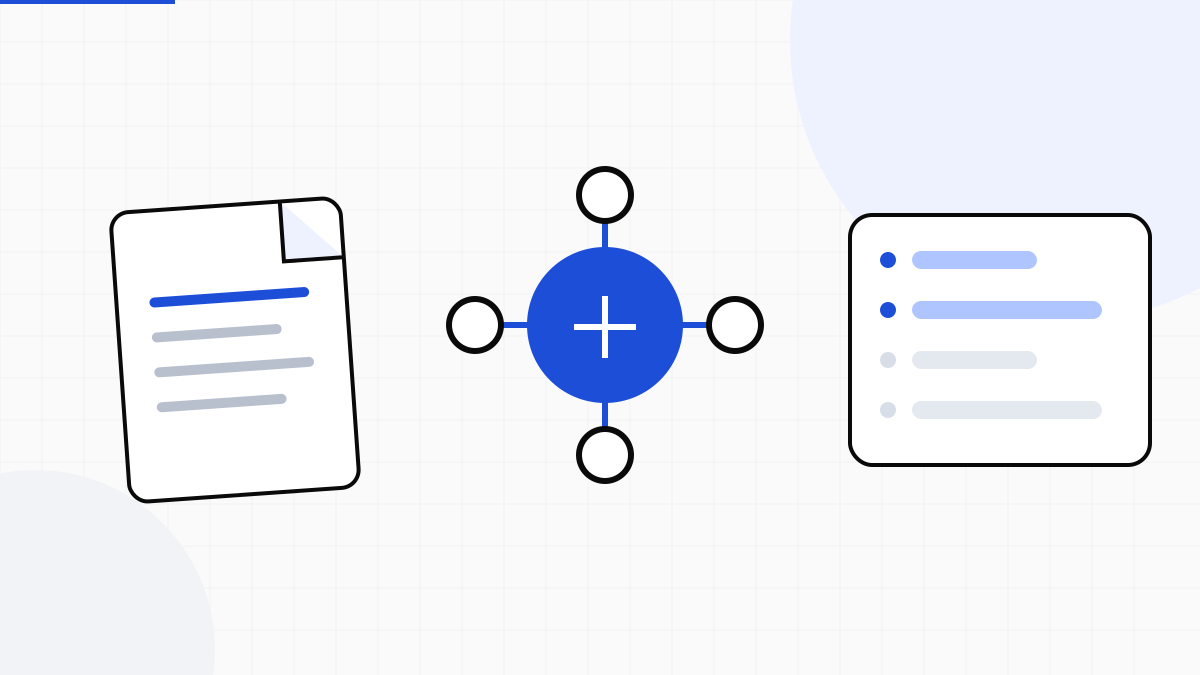
LOCRAI turns invoices, orders and delivery notes into structured, verified data. But data sitting in a dashboard saves no time: the value shows up when it lands in your ERP, your data lake, or the process of whoever is waiting for it. Routing is the piece that closes the loop — automatic delivery, no manual exports. It's the next step after integrating extraction into your ERP.
What routing is
Routing is a set of rules that decide where to deliver a document's data as soon as it's ready. No downloads, no copy-paste, no integration to code for every case: you set once «this document type, in this state, goes here» and LOCRAI delivers it on every run.
Where a document can land
The destinations cover the ways business systems receive data, from the most immediate to the most traditional:
- Webhook: an HTTPS call to your endpoint carrying the document JSON, with an optional HMAC signature — the most direct way to make your software react in real time (see the webhooks guide).
- Amazon S3 and compatible storage: the data file (CSV, XLSX, JSON or XML) dropped into your bucket.
- FTP / SFTP: drop onto an exchange server, the way many ERPs and EDI flows expect it.
- Email: delivery to a dedicated mailbox, for processes where the file still travels by mail.
You pick the format per destination: one row per line item, ready to import into ERP and CRM.
Rules: what, when, where
A routing rule ties a condition to a destination. You can split by document type and by state, so the flow mirrors your process:
- Only verified documents: deliver when extraction has passed the checks, leaving the ones below threshold in review.
- By type: supplier invoices to the accounting system, delivery notes to the warehouse, orders to the CRM.
- Multiple destinations at once: the same document can go to your ERP webhook and, as a copy, into the archive bucket.
Reliable delivery, under control
Delivering data outside LOCRAI is a delicate operation, and routing is built to stay reliable:
- Optional HMAC signature on webhooks: set a secret and your system verifies the call really comes from LOCRAI and hasn't been tampered with.
- Outcome tracked per send: every delivery records whether it succeeded or failed, so you see at a glance what arrived and what didn't.
- Only destinations you authorize: endpoints are the ones you configure, with protections against forwarding to unexpected addresses.
- EU infrastructure and per-company isolation: each rule sees and delivers only your organization's documents.
Extraction without delivery is a job left half-done. Routing takes the right data to the right place the moment it's ready — and you touch nothing.
How to use it
Routing is available from the Professional plan up. You set it up in a few steps from the dashboard, in the Routing section:
- Create a destination (webhook, S3, FTP/SFTP or email) and enter the credentials, stored securely.
- Define the rule: which documents, in which state, to which destination and in which format.
- Send a test to check your system receives it correctly.
- Activate the rule: from there every eligible document is delivered automatically.
From that moment the «document → data → system» path runs on its own: you keep uploading (or receiving via email, FTP, folder), LOCRAI extracts, verifies and delivers.
Want your data to land where you work, without one more manual export? Turn on routing and let LOCRAI close the loop.
Want to see it on your documents?
We'll show you LOCRAI at work on one of your real workflows, in a short, concrete demo.
Request a demo