
Use casesLOCRAI team10 min read
Foreign supplier invoices: from PDF to the self-invoice in your ERP
Italian e-invoices arrive as XML from the SDI. Foreign ones do not: they stay PDFs to retype, then a self-invoice. How to close the loop without an IDP issuing the tax document.
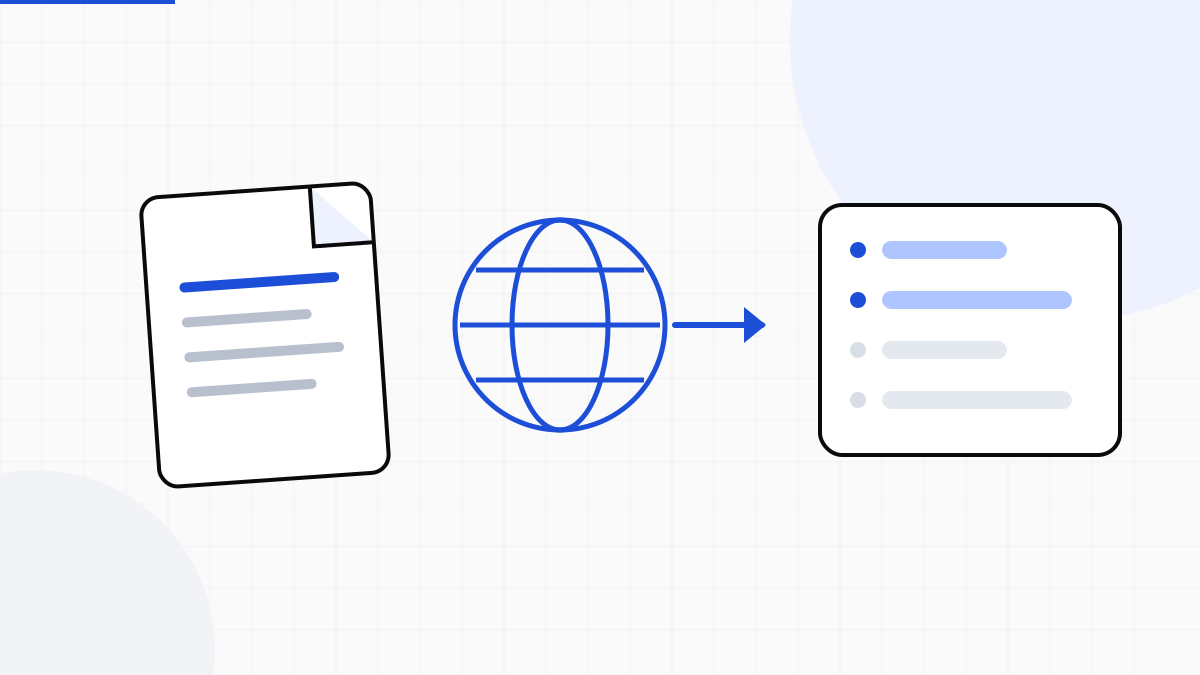
In Italy it is easy to call accounts payable “automated”: domestic suppliers already send a structured e-invoice. The remaining grunt work sits on the other pile — foreign invoices. They arrive as PDFs, in English or German, with currencies and layouts that change every time. Someone retypes them. Then someone issues the self-invoice.
After the esterometro ended, that second step is no longer a side report: it is TD17, TD18 or TD19 into the SDI. Firms and finance teams that buy from EU and extra-EU suppliers still do two jobs by hand. This is not a missing ERP. It is a document the SDI never saw.
Why foreign invoices stay a separate job
An Italian invoice is FatturaPA XML: the ERP imports it, at most you review it. A foreign invoice is a file. Often by email, sometimes a scan, almost never last month’s layout. The fields are all there — supplier, net, currency, lines — but they are not a schema. They are ink.
- Intra-EU suppliers: goods (TD18) or services (TD17), with VAT integration
- Extra-EU suppliers: reverse charge and TD19, plus customs data when needed
- Currencies other than euro, to convert at posting
- Master data to match: EU VAT, extra-EU tax IDs, address, IBAN
- Firm peaks: many clients, a few PDFs each, all due before the VAT settlement
Who should do what: IDP vs ERP
It is easy to pick the wrong product here. The self-invoice is a tax act of the Italian customer. It is issued by the software that already talks to the SDI — ERP, TeamSystem, Zucchetti, Fatture in Cloud. An IDP that sent it would become a tax intermediary, with archiving, VAT nature codes and corrections. That is not LOCRAI’s job, and it is not what accountants want to hand to a document extractor.
The piece the ERP cannot do alone is the other one: read the foreign PDF. Extract the fields, normalise them, deliver them in the payload the ERP uses to post the purchase and trigger its native self-invoice. Two systems, one flow. LOCRAI structures the document; the ERP closes the filing.
What comes from the PDF, what leaves the ERP
From the foreign document you need the same data someone copies today: supplier master, number and date, currency and amounts, rates or exemptions, lines, order references. Those fields, checked, go in the payload to the ERP. There the ERP creates the purchase posting and, if it exposes the API, generates TD17, TD18 or TD19 the same way it already does from the UI.
- LOCRAI: ingest (email, upload, API), extraction, checks on totals and master data, export or webhook
- ERP: posting, SDI document type, transmission, archiving
- Firm: exceptions, VAT nature, clients with no API — not retyping every PDF
If an ERP has no “create self-invoice” command, stop at a structured purchase document. Say so: a connector that pre-fills the posting is already a leap from copy-paste. Promising issuance on every ERP is not.
The accounting-firm case
In a company, volume sits on a few recurring foreign suppliers. In a firm it is the opposite: many clients, two or three PDFs a month each, mixed layouts, deadlines aligned to the VAT settlement. Retyping is expensive; mixing clients is worse. You need isolation per organisation, not one pile of files.
The flow that holds is: mailbox or upload per client → extraction on the foreign PDF → review only below threshold → export into that client’s accounting software. The self-invoice stays where the firm issues it today. What changes is who already typed the numbers.
What this article is not
It is not advice on which TD to use, nor a substitute for the accountant. Tax classification stays yours. LOCRAI delivers comparable fields; VAT nature and SDI document type are decided by whoever posts. We do not replace archiving, an intermediary, or the accounts payable flow already covered by the SDI on Italian invoices.
Start from a real sample: a mix of EU and extra-EU invoices, the ERP you use, and whether a self-invoice command already exists to call. From there you see if an export is enough or you need a connector. To see it on your PDFs, request a demo.
Want to see it on your documents?
We'll show you LOCRAI at work on one of your real workflows, in a short, concrete demo.
Request a demo